
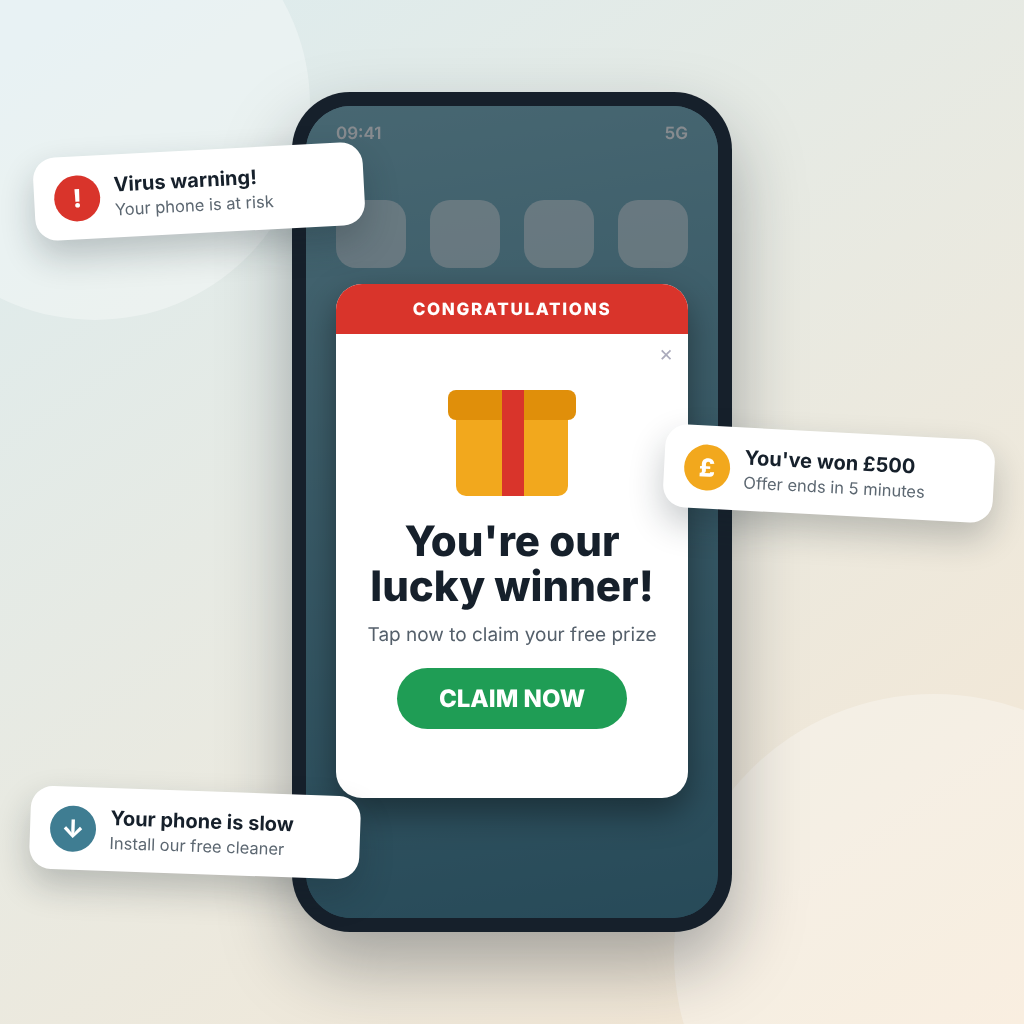
You pick up your phone to check the weather, and a full-screen advert for a game you’ve never heard of jumps out at you. Or your notifications fill up with prize draws, miracle cures and warnings that your phone has a virus. Annoying, and a little unnerving.
This is usually called adware, and it tends to come from one of two places: a website or an app. Working out which is the first step, because the fix is different.
Is it a website?
Some websites ask to send you notifications, and it’s easy to tap “Allow” without thinking. Others are simply overzealous with pop-ups. If the adverts appear while you’re on a particular page, close that page: open your browser, tap the tabs button and close the tab.
If they keep arriving after that, the site still has permission to send you notifications. Press and hold one to see who sent it. In Chrome, tap the three dots, then Settings, Site settings and Notifications, find the website and block it.
Or is it an app?
If adverts fill the screen when you’re not browsing at all, the likely cause is advertising code inside an app you’ve installed. The trick is working out which one. Think back to what you installed just before it started. Then open the Play Store, tap your picture, choose Manage apps & device, then Manage, and sort by Recently added. Anything you don’t recognise or no longer use can go.
In my experience, the main culprits are free QR code readers and PDF apps. Neither is necessary. On most modern Android phones the camera reads QR codes on its own: just point it at the code. PDFs open perfectly well in Chrome or Google Drive.
When an app takes over your home screen
I’ve also seen these apps replace the phone’s home screen altogether. Your familiar layout vanishes, and the app’s own version appears in its place. Don’t just try to delete the app. First, open it, go into its settings and switch the home screen option off. Then uninstall it as normal.
If you can’t find that setting, go to your phone’s Settings, then Apps, then Default apps, then Home app, and choose the original. (Samsung’s is called One UI Home.)
Is it dangerous?
Not necessarily. Adware is mostly a nuisance, as long as you don’t tap on the adverts or any links in them. That includes those alarming virus warnings, which are simply adverts in disguise.
If you get stuck, bring your phone along to one of our Friday drop-in sessions. And remember, your phone already does most of what these free apps promise. The only thing they add is the adverts.